Format date
Reference documentation for using the Format date expression
Written By Ben Lehmann
Last updated Over 1 year ago
Description
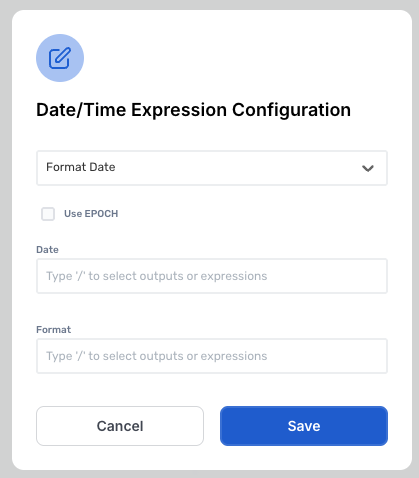
The expression will format the provided value in the Date field into formatted text outlined in the Format field. If the Use EPOCH option is selected, the Date field must contain an Epoch timestamp. Otherwise, it should contain a standard Date/Time value.
Comments
When using the Use EPOCH option, you must convert the EPOCH timestamp from seconds to milliseconds (x 100), this can be done by using the multiply expression.
The Format field uses the ISO 6801 Calendar format, this means that a custom date format would look like the following DD/MM/YYYY HH:mm:ss and would return as 29/04/2025 00:00:00.
v3.0
Was this helpful?
Still need help? Share an idea