Truncate text
Reference documentation for using the Truncate text expression
Written By Ben Lehmann
Last updated Over 1 year ago
Description
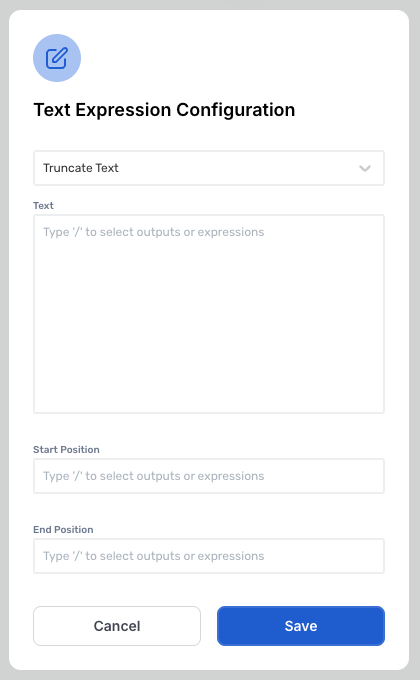
The expression allows you to extract a specific portion of the Text field, starting at a defined position and ending at a specified length. This function is very flexible, as it enables you to control both where the truncation begins (the Start Position) and where it ends (the End Position).
Comments
The expression will return the input text, either unchanged or modified depending on the applied text function.
The expression does not require both the Start Position and End Position field to be populated for the expression to be valid.
The expression will account for whitespaces between words within the Text field, this will mean that the positions will include whitespaces.
v3.0
Was this helpful?
Still need help? Share an idea